R&S®NC Business VoIP routers are able to make parallel calls. If you use this feature, signaling occurs on both ISDN lines (ISDN 1 & ISDN 2). The call is accepted at the first telephone to pick up the call.
To enable parallel calls, navigate to .
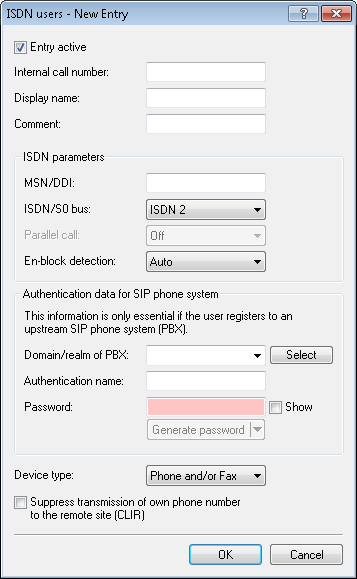
In the ISDN parameters section and under ISDN/S0 bus, select the option "ISDN 1 & ISDN 2" and then set the item Parallel call to "On".
