mDNS (Multicast DNS) is used for simple service discovery in the (W)LAN. Prominent applications based on this are Bonjour / AirPlay and Google Cast.
Since mDNS requests are sent as multicast, transmission at the WLAN level must use the lowest permitted data rate, which can consume significant airtime depending on the volume of mDNS requests. With the mDNS filter, requests to definable mDNS services can be selectively allowed for forwarding over the WLAN.
Configure the mDNS filter under .
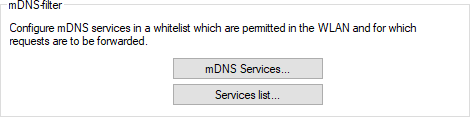
mDNS Services contains the most common mDNS-based services by default, but it can also be manually extended.
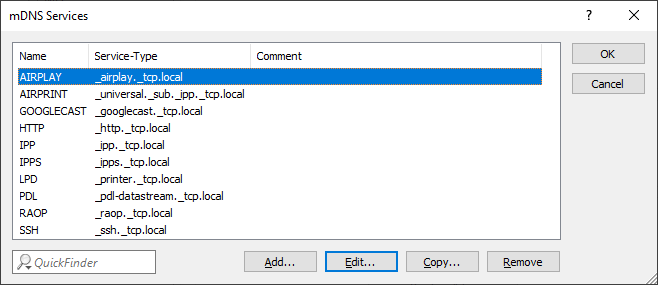
- Name
- The name of a service.
- Service-Type
- The type of this service.
- Comment
- Comment for this entry.
In the Services list, configure filters based on the services from the mDNS Services table.
Note: The Services list works as a whitelist: If the list is not populated, all mDNS services are allowed. If
the list contains entries, only the permitted services are allowed. All other services are filtered.
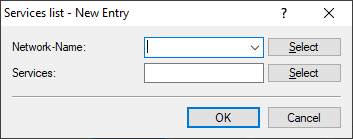
- Network-Name
- Here you can configure the WLAN network name for which the filter should apply.
- Services
- Here you can add one or more of the mDNS-based services defined in the Services table for which requests should be forwarded.