In WEBconfig, configure the settings for SSH public key authentication under .
Keys
In addition to interactive authentication using a user name and password, public key authentication can also be used.
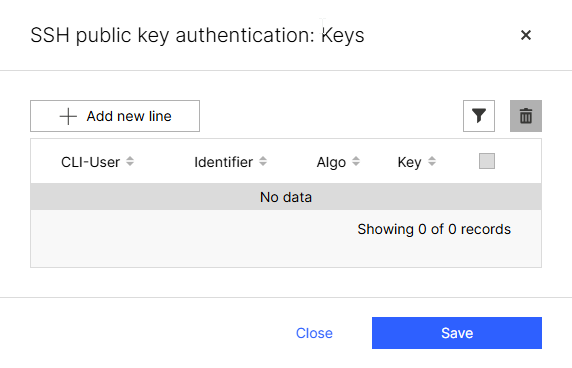
- CLI-User
- The user for whom the public key entered below is to be valid. This can be either the "root" user or an optionally configured additional administrator (see Additional Administrators).
- Identifier
- The identifier is used to allow multiple public keys for the same CLI user, for example, if a separate public key was generated for each SSH client, but the login to LCOS LX should be performed using the same user account. In this case, enter the same CLI user but a different identifier.
- Algo
- The algorithm used to generate the public key.
- Key
- The public key to be used.
