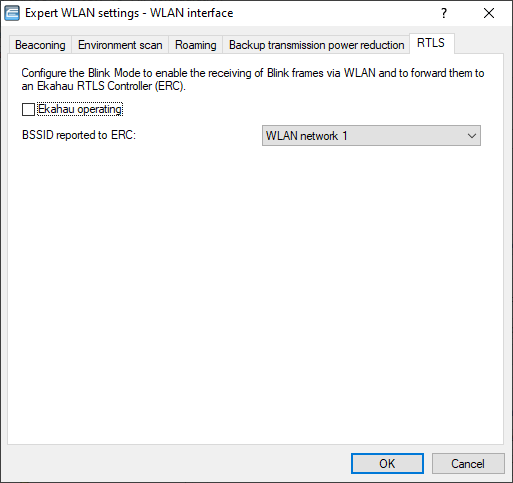
LANconfig:
Configure the settings for the AiRISTA Flow blink mode here. For further information, please see AiRISTA Flow Blink Mode:
- Ekahau operating
- Enable or disable the blink mode for this interface here.
- BSSID reported to ERC
- Here you select the logical WLAN interface that the device reports to the ERC. The ERC "maps” this BSSID to a particular location. For example, if this location were a server room, the ERC knows that Wi‑ Fi tag "A” is located in the server room as long as the "blink” arrives from the BSSID belonging to the corresponding APs.
