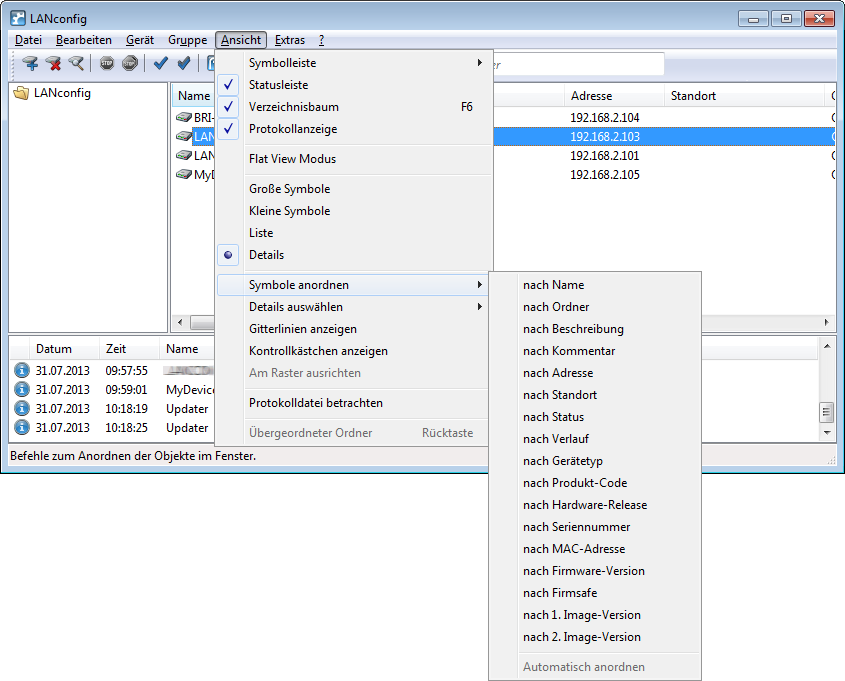
Even for large-scale projects, a better overview and quicker orientation are facilitated in LANconfig by the columns which feature device-related details that can be displayed or concealed according to your needs. Simply click on the column header with the right-hand mouse button and use to select the columns to be displayed. The menu item Arrange icons allows you to sort the items as you prefer. If you select the option Auto arrange the icons in the configuration area are sorted automatically.