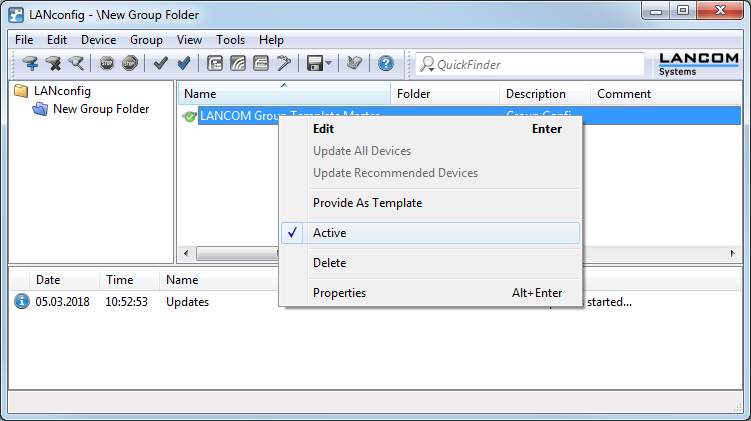
Multiple group configurations can be created within a single folder. Only one of these group configurations may be active at a time since the device status can only relate to one single group configuration. Active group configurations are marked with a blue tick, inactive group configurations with a red cross. To activate a group configuration, click on the entry with the right-hand mouse key and select 'Active' from the context menu. All other group configurations are then deactivated automatically.
Note: Different group configurations in one folder may not be linked to the same partial configuration file.