For the WLAN client to connect to an AP, it needs to use suitable frequency bands/channels.
- To edit the radio settings in LANconfig, go to the 'Radio' tab under the physical WLAN settings for the desired WLAN interface.
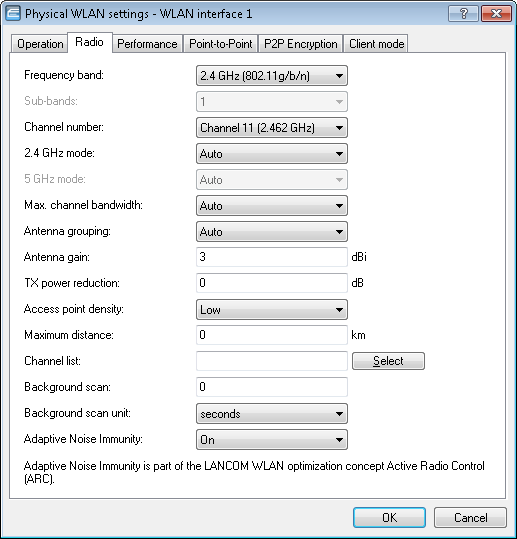
- Set the frequency band, the channels and the 2.4 GHz/5 GHz mode to match the settings of the AP.
Note: Selection of the frequency band and channels is not necessary on some models, such as those devices which support only one frequency band.
