For access to a WLAN, the appropriate encryption methods and key must be set in the client station.
- To enter the key, in LANconfig navigate to .
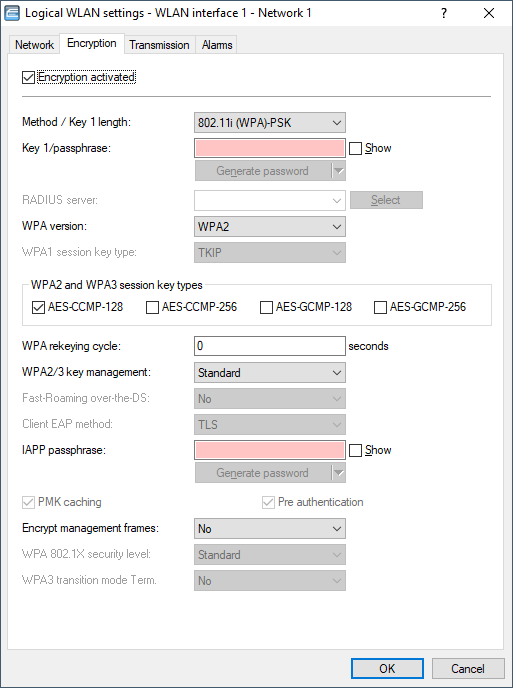
- Enable encryption and match the encryption method to the settings for the AP.
- In WLAN client operating mode, R&S®NC APs and R&S®NC wireless routers can use EAP/802.1X to authenticate themselves at another AP. For this, select the desired client EAP method here. Note that the selected client EAP method must match the settings of the AP that the device is attempting to log onto.
Important: Depending on the EAP method, the appropriate certificates must be stored in the device:
- For TTLS and PEAP this means the EAP/TLS root certificate only; the key is entered as a combination username:password.
- TLS additionally requires the EAP/TLS device certificate together with the private key.
Important: When working with WPA or 802.1X, settings may need to be made in the RADIUS server.
