The SSID of the network to which the client stations are to connect must be entered into the WLAN clients.
- To enter the SSIDs in LANconfig, navigate to . After clicking on Logical WLAN settings, select the first WLAN interface.
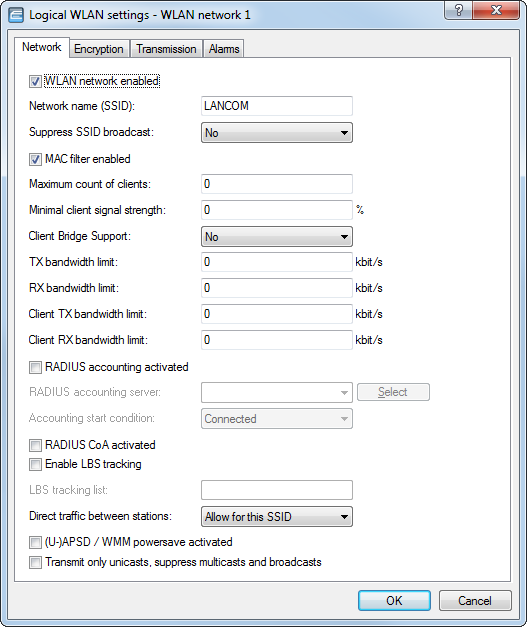
- On the Network tab, enable the WLAN network and enter the SSID of the network the client station should log onto.
