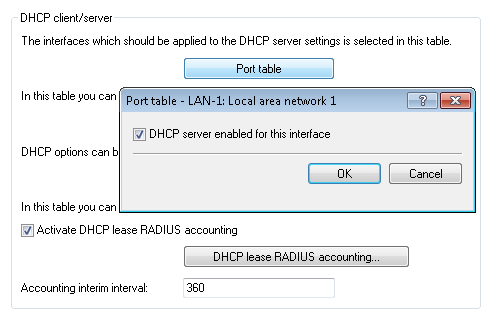
The DHCP server can be enabled or disabled separately for each logical interface (e.g. LAN-1, WLAN-1, P2P-1-1 etc.). To do this, select the appropriate logical interface from the configuration menu under and switch the DHCP server on or off for this interface.