The action Upload configuration lets you upload a new device configuration in the *.lcf format.
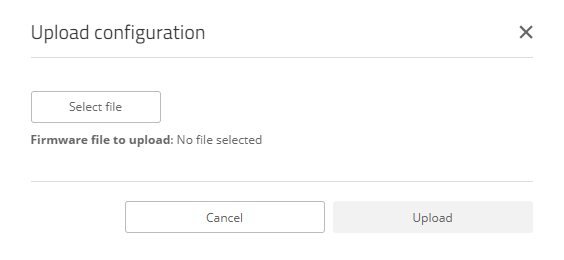
Click Select file to select a configuration file. Use the button Upload to upload this file to the device.
| WEBconfig – Dashboard / Actions | |
The action Upload configuration lets you upload a new device configuration in the *.lcf format.
Click Select file to select a configuration file. Use the button Upload to upload this file to the device.
www.rohde-schwarz.com/networks-and-cybersecurity
Rohde & Schwarz Networks and Cybersecurity GmbH | Adenauerstr. 20/B2 | 52146 Wuerselen | Germany | E‑Mail info.rs-nc@rohde-schwarz.com
