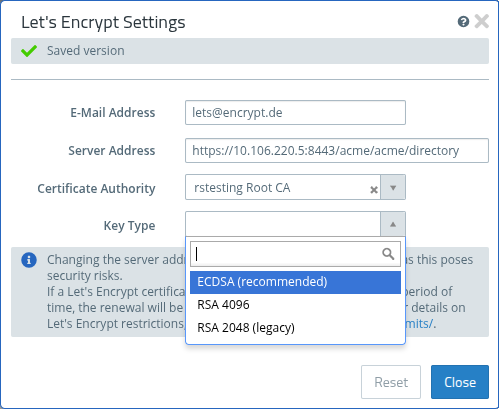
As of LCOS FX 11.2, a new field has been added to the Let's Encrypt settings that allows you to specify the key type used for generating Let's Encrypt certificates. Previously, the default value was RSA with a key length of 2048 bits.
Figure 1.
| Input field | Description |
|---|---|
| Key Type |
Select the key type to be used for generating the Let's Encrypt certificates. The
available options are ECDSA (recommended), RSA 4096, and RSA 2048 (legacy).
Important: When changing the key type, a confirmation prompt will appear. After
confirmation, all previously used certificates that do not match the new key type will
be immediately renewed with the new type.
|
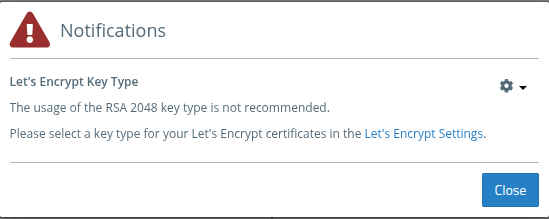
Notifications
After
- upgrading to LCOS FX 11.2,
- restoring an older backup, and
- when using RSA 2048,
a one-time notification is displayed indicating that the use of this key type is not recommended.